Gig work
How to write off miles for DoorDash and Uber
Your miles are probably your biggest deduction, and you don't need a perfect log to claim them. Here's the rate, which miles count, and how to catch up.
Updated September 2026 · 6 min read
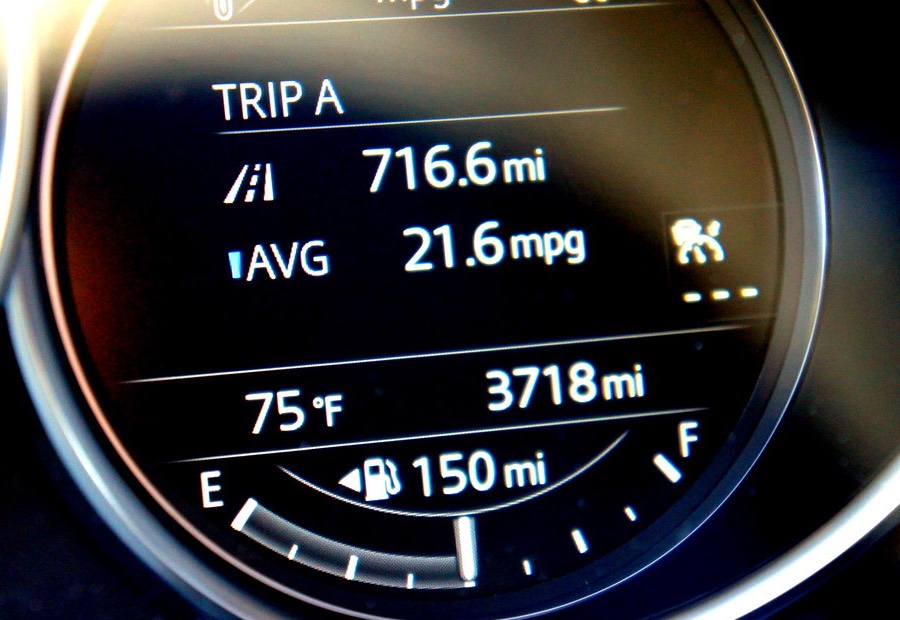
Somebody told you that you can write off your miles, and then you looked at your year and realized you never wrote a single one down. Most drivers are in exactly this spot. Here's the good news: the deduction is real, it's big, and a log you rebuild honestly from records counts. The IRS asks for a record. It does not ask that you kept it in real time from day one.
One rate covers the whole car
For 2025, every business mile takes 70 cents off your taxable profit. That one rate stands in for gas, oil changes, repairs, tires, insurance, registration, and the car wearing out. You don't save a single gas receipt. You count miles.
The money is bigger than it sounds. A full-time driver who logs 20,000 business miles knocks $14,000 off their profit. Since driving income gets hit with self-employment tax plus regular income tax, that deduction typically puts $3,000 to $4,000 back in your pocket. If you drive at all seriously, no other deduction comes close. It's the same math that decides whether you owe quarterly payments; our guide on quarterly taxes for drivers walks through that side.
Which miles count
- Driving to a pickup, driving a passenger or an order, and driving between trips with the app on: all business miles.
- Repositioning counts too. Dropping off in the suburbs and heading back downtown to where the orders are is business driving.
- Trips for the work count: the car wash between shifts, the auto-parts store, the accountant's office.
- Personal errands and your commute to a regular day job don't count, even if the app was open in your pocket.
What the rate doesn't cover
A few real costs sit outside the per-mile rate and get deducted on their own, on top of it:
- Tolls and parking paid while working.
- The business share of interest on your car loan, split by how much of your driving was work.
- The business share of your phone bill, and supplies like hot bags and phone mounts.
Good to know
You can't take the 70-cent rate and also deduct gas, repairs, or insurance. The rate already includes them. Claiming both is the double-dip that gets returns corrected.
Didn't keep a log? Rebuild one
Here's the fact that changes everything: the tax code asks for when you drove, how far, and why. A written log reconstructed from real records satisfies that. You are not making numbers up. You are assembling evidence you already have.
- 01Download your yearly tax summary from each app. Uber and Lyft both publish one with your on-trip miles, and Uber's includes online miles. That number is your floor: miles the platform itself recorded.
- 02Find odometer anchors. Oil-change and inspection receipts print your odometer reading with a date. Two receipts a year apart tell you your total miles for the year.
- 03Reconstruct the pattern. If you drove Friday and Saturday nights most weeks, that's a pattern you can count: weeks worked times a typical night's miles, checked against the app's floor.
- 04Write it down, dated, and keep it with your return. A one-page log with your sources named beats a shoebox of receipts.
Standard rate or actual costs?
There is a second method: deduct the car's actual costs (gas, repairs, insurance, depreciation), split by business use. For most drivers in most cars, the standard rate wins and takes a tenth of the effort. Actual costs mainly pay off for expensive or leased cars driven heavily for work. One gotcha if you own the car: use the standard rate in the first year you drive for work, and you keep the right to pick either method later. Start with actual costs, and you're locked out of the standard rate for that car.
The shortcut
Rebuilding the log is literally what our filing does. It reads your app summaries, asks you a few plain questions about your patterns, and writes the dated log with every source named. Then the return gets filed with the miles claimed.
Or let us rebuild it with you.
Tell us what you drove and we pull the log together from records you already have: app summaries, service receipts, your regular patterns. Then a licensed CPA files your return with the mileage claimed and the log attached. Free to start, no account.
Start my return, free →